
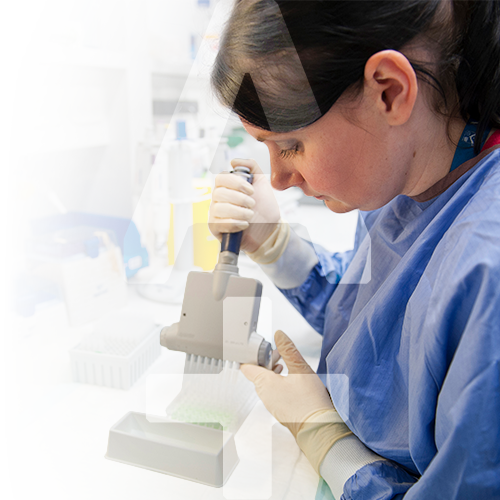
















The Alfred Research Alliance is a vibrant collaborative community in Melbourne, dedicated to excellence in medical research and education.
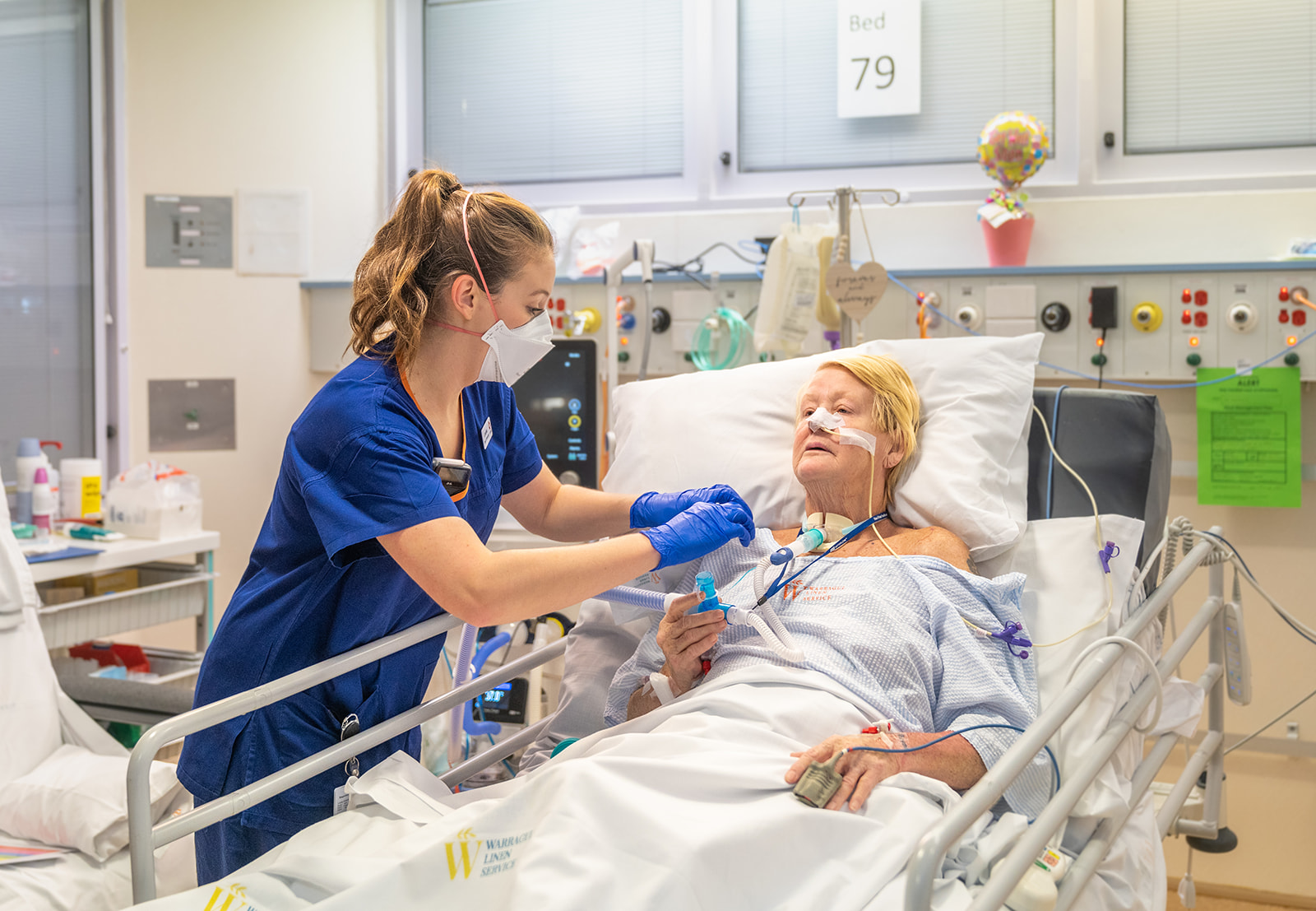
A leading medical research and education precinct, the Alliance is located on the site of one of Australia’s busiest hospitals, The Alfred. Here, we think in new and innovative ways and work together to translate the latest advances in medical research into new and improved diagnoses, treatments and disease-prevention strategies, resulting in the best possible clinical care and health outcomes.
With more than 8000 health professionals, researchers, students and support staff, the Alfred Research Alliance is an exciting, multi-layered collaborative community which brings together some of the world’s leading experts in almost every field of biomedical, translational, clinical and public health research, and in education and healthcare.
The unique integration of these fields creates an exceptional environment where cutting edge therapies are discovered, developed and implemented to address critical unmet clinical and public health needs – and where students gain the education and training they require to take their place as tomorrow’s leading clinicians, scientists and health professionals.
Most importantly, we recognise that collaboration is at the centre of real-world health innovation. Being hospital-centred allows our research to be linked directly to clinical problems, keeping us people-focused and outcome-driven. Together with the biomedical commercialisation through on-site start-ups and SMEs, and the phase I-IV clinical trials which are run here, this creates a complete, translational research loop – all on one busy and exciting site in the heart of Melbourne.
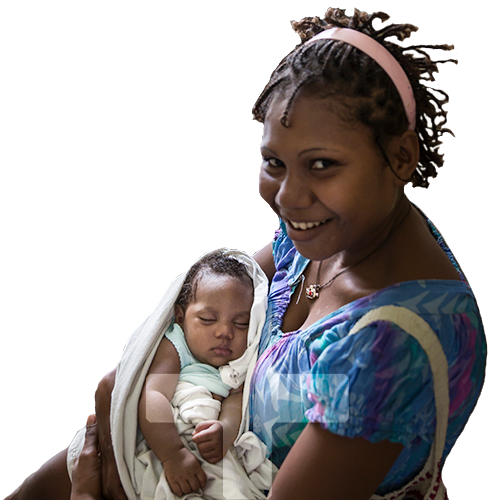
By collaborating, we amplify the effect of our work to make a bigger difference, sooner. And that, above all, is what drives us: The ability to make a genuine, positive impact on the lives of real people, every day, not just here in Melbourne, but across Australia and around the world.
The members of the Alfred Research Alliance stand firmly against prejudice and inequality. Diversity, inclusion and respect are among our most important core values. We are committed to supporting staff and students, and the patients and visitors who share our precinct.